- Revenue Optimization with StatsDrone
- Posts
- Oops, I built the Revenue Optimization website with Lovable!
Oops, I built the Revenue Optimization website with Lovable!
How I built our new podcast website using Lovable

John Wright
January 01, 2026
Happy new year y'all.
This newsletter has been quiet of late mostly because Affiliate BI has undergone a transformation into Revenue Optimization with StatsDrone.
Speaking of the website and sponsors, we still got some room for the some sponsors and media partners, DMs open. Maybe the folks at Lovable might want to be one of our AI sponsors.
In the last few months, I've been taking a short pause on this newsletter and investing that time into AI research and learning more AI tools.
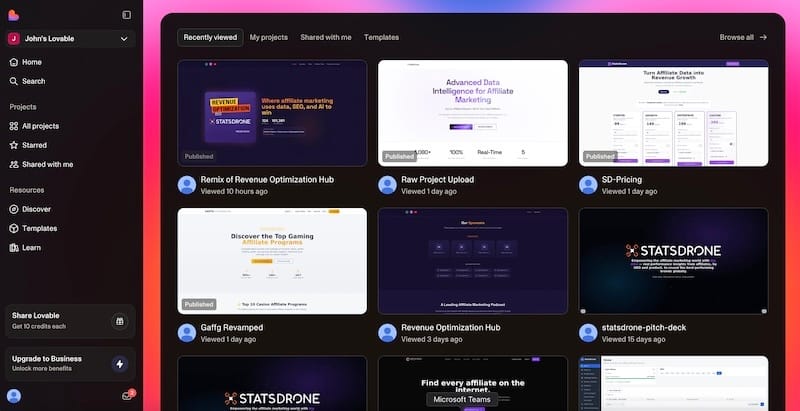
So I wanted to share a little bit behind the scenes of how I built the website for RevenueOptimization.io using Lovable.
The core design of the site and loading of ALL previous podcast episodes took me maybe 20 minutes with a few prompts in Lovable.
So why not just use WordPress or any other CMS?
I showed the new website to a friend and they replied with this:

So I did my prompt:
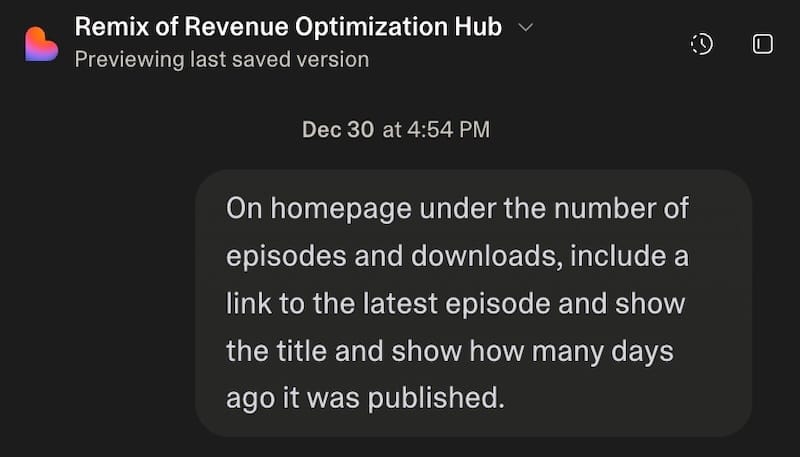
Then I texted back 2 minutes later:
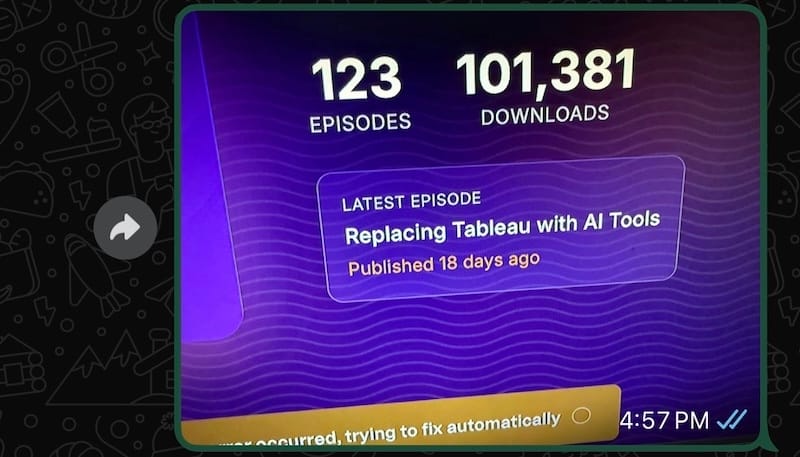
Try making changes on the fly like that in WordPress.
My first prompt
All I did was take the new podcast cover and load it into Lovable with a prompt saying I need a new website and want a page for episodes to load automatically through the RSS feed. I did this prompt in parallel with Claude as I wanted to see which design I would use.
If Claude was better, then I would have downloaded the design there and uploaded it to Lovable as I want a website that I can easily maintain through prompts.
Now that the main site was live in Lovable, my next 2 steps were fairly simple:
Connect Github to Lovable
Connect Github to Cloudflare
The last parts you might want a technical person to help you with that but it is really easy work and shouldn't be more than an hour for someone to help on this part.
Making your Lovable project SEO friendly
This is important for me. So just fyi, Lovable (affiliate link!) and a lot of AI tools love to build you stuff in Javascript but that doesn't always make it SEO friendly.
In a single prompt, you can convert your javascript into css / html.
LLMS.TXT done

Whether you think llms.txt is important or not, I added it quickly.

Since I've had all pages cloned to html, I made sure the sitemap got all of it. I auto generated every podcast episode as its own page and this is done automatically through the RSS feed.
I've already setup Google Search Console to load the sitemap. Google Analytics was generated and I gave the embed code to Lovable and that is done. Now setting up Bing Webmaster Tools because well OpenAI has a lot of traffic via ChatGPT.
Podcast Stats Page

What's a podcast website without a stats page!
This one was a fun setup. So most of my podcast stats are on pages that don't have an API feed. This comes from CastPlusfm, Spotify, Apple Podcasts and YouTube. Scraping these pages is technically possible but a lot of work so I decided to build a single Google sheet and update this page whenever I feel like.
Now I can power the stats page fully from this Google sheet and here is the workflow.
Google Sheets > Convert to JSON by asking Claude > uploading JSON file into Github.
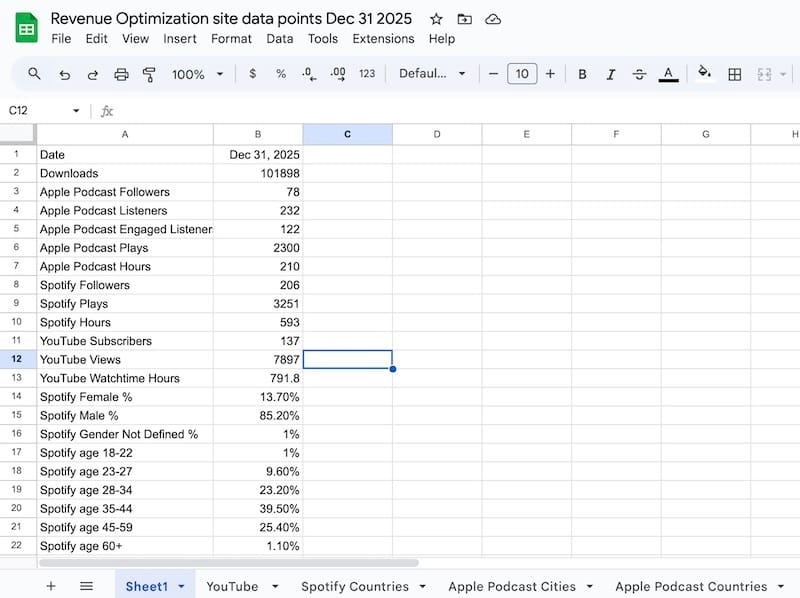
If what I said didn't make sense, just get a technical friend to help. Basically you can build a Google Sheet and use this to power data on any website.
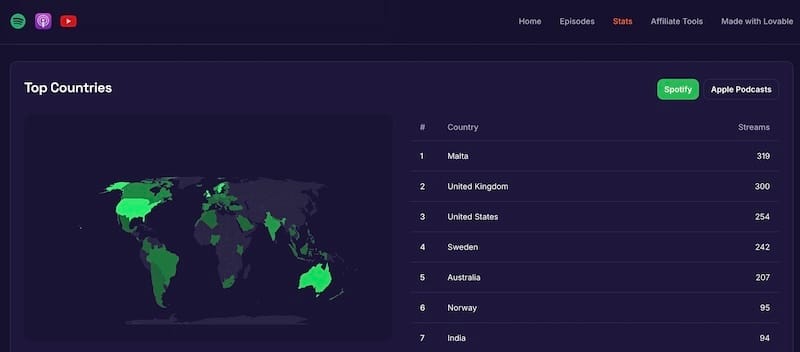
I mean look at what I can build with a prompt: show me the top countries with a world map and a table to show the countries and count and make it a toggle with Spotify and Apple Podcasts.
What's next for this podcast?
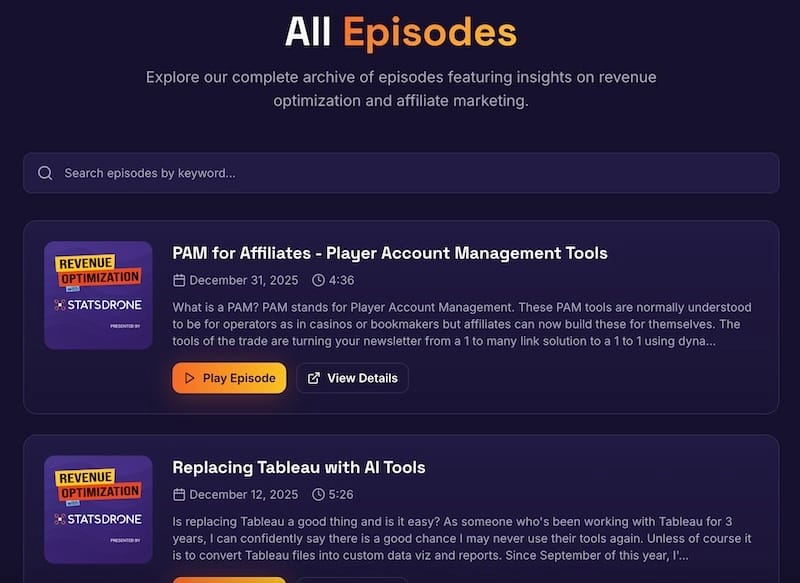
I'll be working on some n8n automations so I can auto transcribe the audio content into text and then auto publish on the podcast website. If you don't know, n8n is awesome!
As always shoutout to StatsDrone and if you haven't seen check out our latest project https://affiliatetrack.io which is mapping the internet of affiliate tracking links.
Reply